How to Build a Home Office for Hybrid Schedules
Your first meeting starts in five minutes, but your charger’s in yesterday’s bag and the kitchen island is still full of breakfast dishes. If working from home is part of your routine, having a home office that matches your hybrid schedule makes a huge difference. Fortunately, it takes a few intentional tweaks to help you step into a workspace that feels ready for your day.
Set up a Dedicated Work Zone
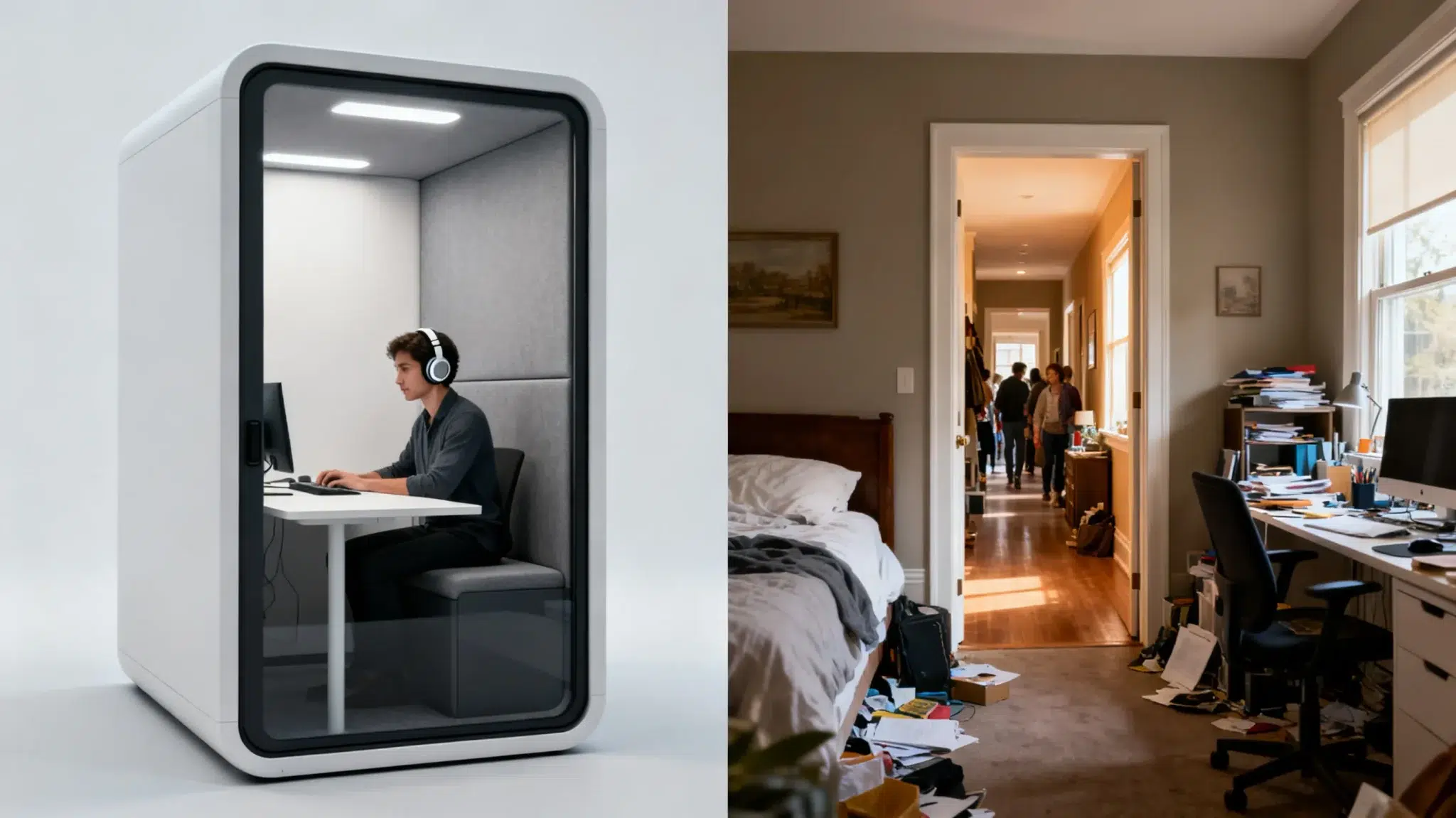
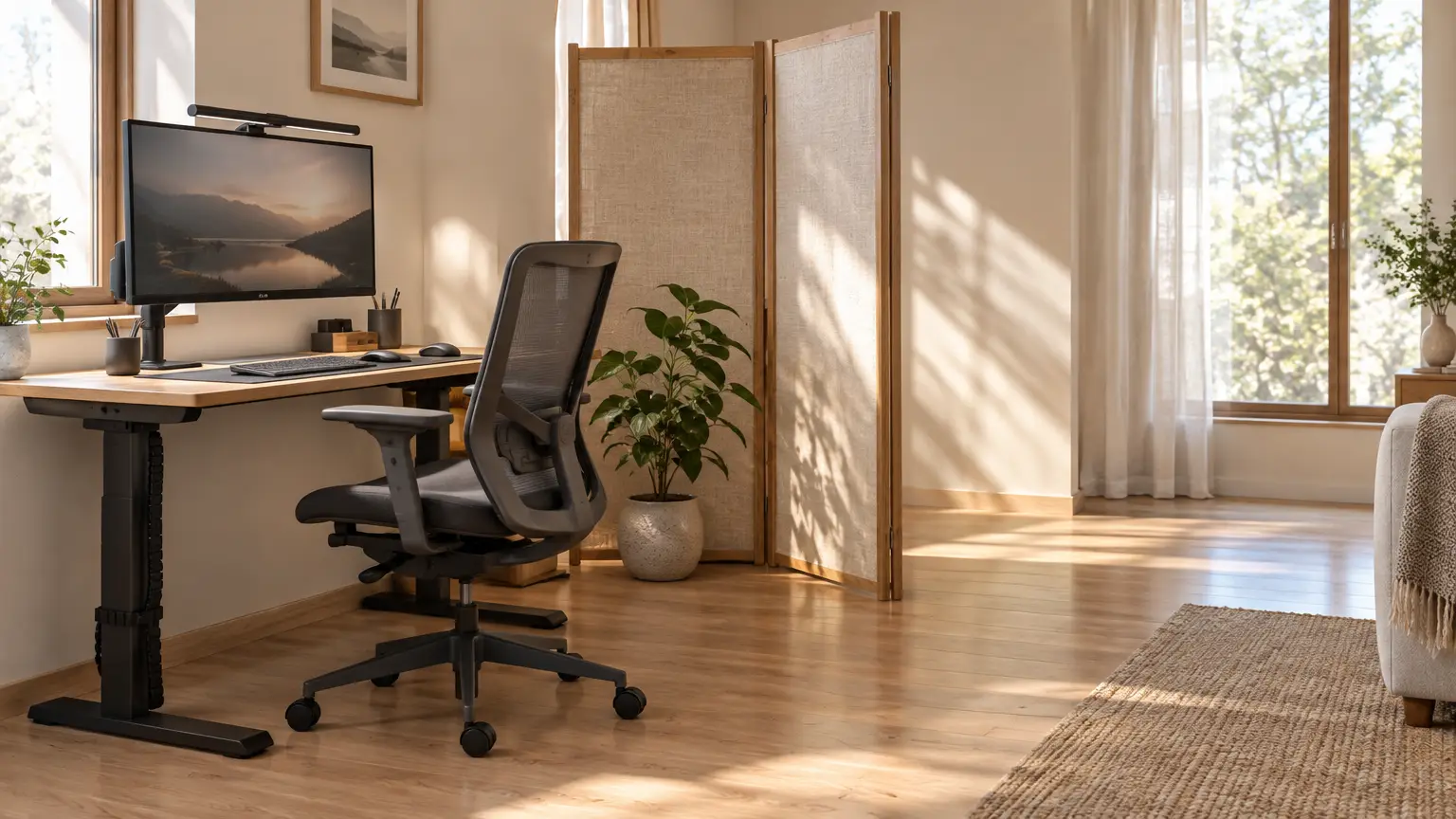
You don’t need a whole room to carve out a great workspace. Maybe it’s a bedroom corner, a quiet nook by the stairs or even a spot in a large closet. The key is to pick a place away from the busiest parts of your home where you can leave your setup in place.
If your desk is in a shared space, you can use a folding screen or even a rug to set some boundaries. Soft touches like curtains can help reduce echoes. For those inevitable interruptions, set a clear signal — like a closed door or a little desk flag — that shows you’re in the middle of a meeting.
Invest in Ergonomic Furniture
After you pick your spot, invest in a chair that fits you and your desk, not just the nearest dining chair. Test out the seat height, depth and armrests with your actual keyboard and desk. Comfort looks different for everyone, so notice what matters most to you.
For example, BodyBilt offers ergonomic chairs with adjustable lumbar support, adjustable seat height and depth, breathable materials, adjustable armrests and smooth mobility. Treat those features as a shopping checklist, focusing on the adjustments that feel useful to you. Consider adding a desk riser or a sit-to-stand converter to easily switch between sitting and standing.
Keep Your Space at a Comfortable Temperature
Pay attention to how the spot you pick feels at different times of the day. Is it drafty in the morning or a sunbeam magnet in the afternoon? Move your chair if sunlight gets blinding or if you’re right in front of an air vent. A quiet fan can cool things off during warmer days, and a draft stopper under the door works wonders for a chilly corner.
Build a Reliable Connection for Every Device
A cozy office isn’t much use if your video calls keep freezing, and rural areas often have fewer internet options. Video meetings and large uploads depend on upload speed as much as download speed, so look for a plan that performs well in both directions. Fiber is typically built to do that.
So which fiber internet provider is best for rural homes? It depends on who actually reaches your address. Search your exact address on the FCC’s National Broadband Map and confirm with each provider, since coverage can vary from house to house. Then compare upload speeds, data limits, contract terms and local support, and ask about Wi-Fi strength in your actual work spot. Regional providers that focus on rural areas are worth adding to your list, since they may serve addresses larger providers don’t. Highline Internet, for example, serves rural homes and farms, checks availability by exact address, and doesn’t require annual contracts. Even if only one provider reaches you, ask about all of these before signing up.
Optimize Your Lighting for Focus and Video Calls
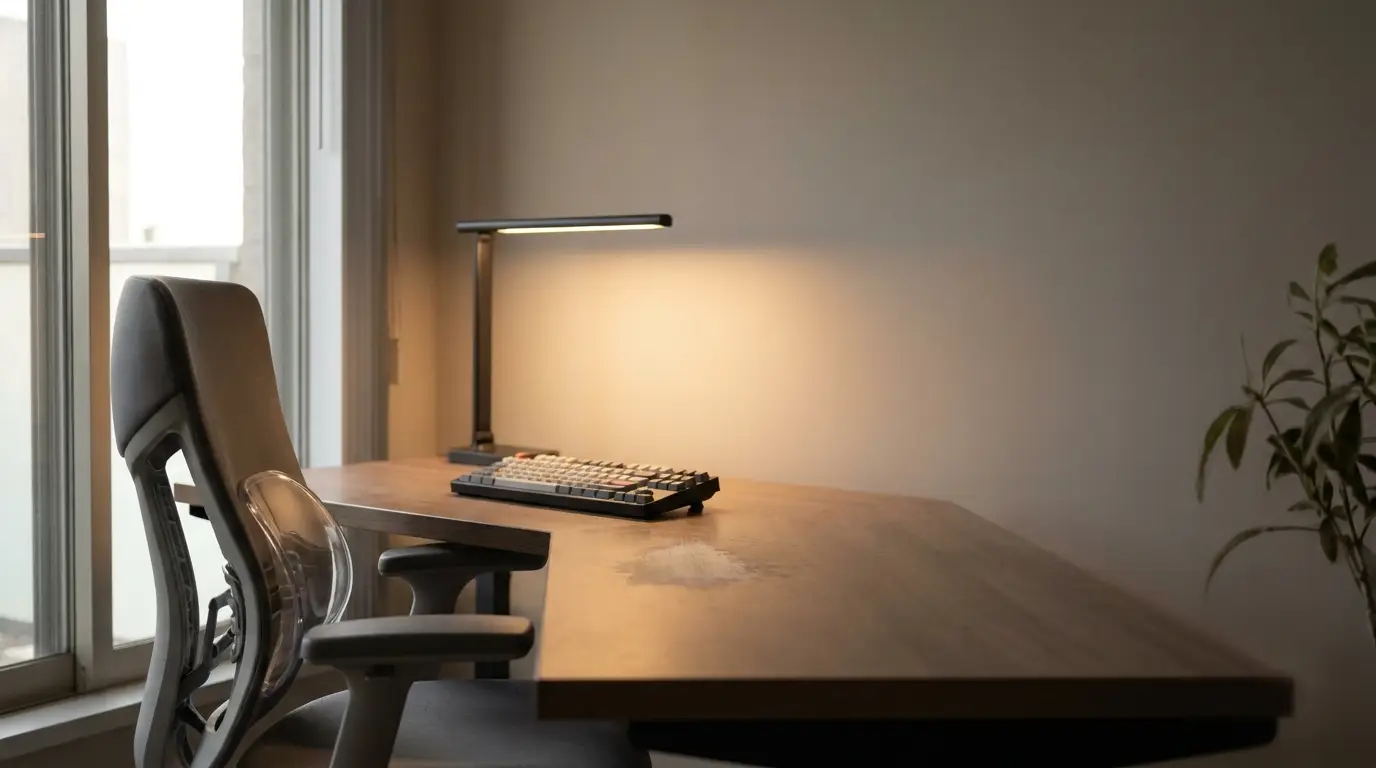
Before your next video call, turn on the camera preview and see how you look. Facing a window gives you natural light that flatters most people, while sitting with your back to a window can leave you in shadow. If the sunlight gets too harsh, pulling the curtains can help.
For video calls, consumer electronics company BenQ recommends neutral white light around 4,000-5,000 kelvins for natural-looking skin tones. Its iScreenBar’s Video Call Mode dims the center LEDs to limit stray light entering the camera lens while side LEDs continue illuminating the desk. Tools like specialized monitor lamps can direct light onto your face without glaring into the camera. Check if you also need a separate soft lamp so you aren’t left squinting or washed out.
Personalize Your Space With Thoughtful Decor
While you’re checking your camera view, get a look at what’s behind you. Simple backgrounds like a tidy bookshelf or an uncluttered wall look best for calls, so there’s less distraction for everyone.
Add a framed picture, a favorite photo or a small plant to make the space feel like yours. A little bit of greenery goes a long way, and you only need what you can realistically care for.
Organize and Declutter Your Workspace
To keep your setup hassle-free, pick one spot for your laptop bag and decide which chargers should always stay on your desk. Cables can get out of hand. Bundle them with hook-and-loop straps, and use adhesive clips to keep charging cords within reach. Try an under-desk drawer, rolling cart or pegboard to stash the stuff that would otherwise take over your workspace.
End your workday with a super quick three-minute tidy. Return supplies, toss or file stray papers and unplug what you don’t need. Tomorrow’s you will be grateful.
Create a Routine That Fits Your Hybrid Schedule
Pair your organized space with a routine you enjoy. Maybe that’s a cup of coffee, a walk around the block or five minutes reviewing your schedule before you open your laptop. Share your calendar with roommates or family so they know when you need quiet and when you’ll be open for a quick chat.
Wrapping up? Save your files, close your apps, stash your keyboard out of sight and switch off the lamp. On days you’re headed to the office, double-check your bag so nothing gets left behind. Keeping your laptop bag, chargers and daily work tools in the same place also makes it easier to move between home and office days.
Frequently Asked Questions
Here are some answers to commonly asked questions.
What are the key elements of a well-designed hybrid home office?
Combine a dedicated zone with adjustable furniture, suitable lighting and a connection matched to your household’s needs. Keep essential equipment ready between home days.
How do I keep my home office comfortable throughout the day?
Adjust your space as the day changes. Move your chair if the sun gets too bright, use shades or curtains to manage glare and add a quiet fan or draft stopper if your workspace gets too warm or chilly.
What’s the best way to stay productive and connected on hybrid workdays?
Match your connection to household needs and follow consistent start and shutdown routines. Share meeting times so everyone knows when you need quiet.
Make Your Home Office Work as Hard as You Do
Start with the little things that regularly slow you down. If you’re always hunting for that charger, give it a permanent home. If your calls look too dark, try a different lamp before buying anything new. Try out one change at a time and see how it feels. Your best home office is built around what works for you. As you figure out what matters most, each small upgrade will make a big difference.