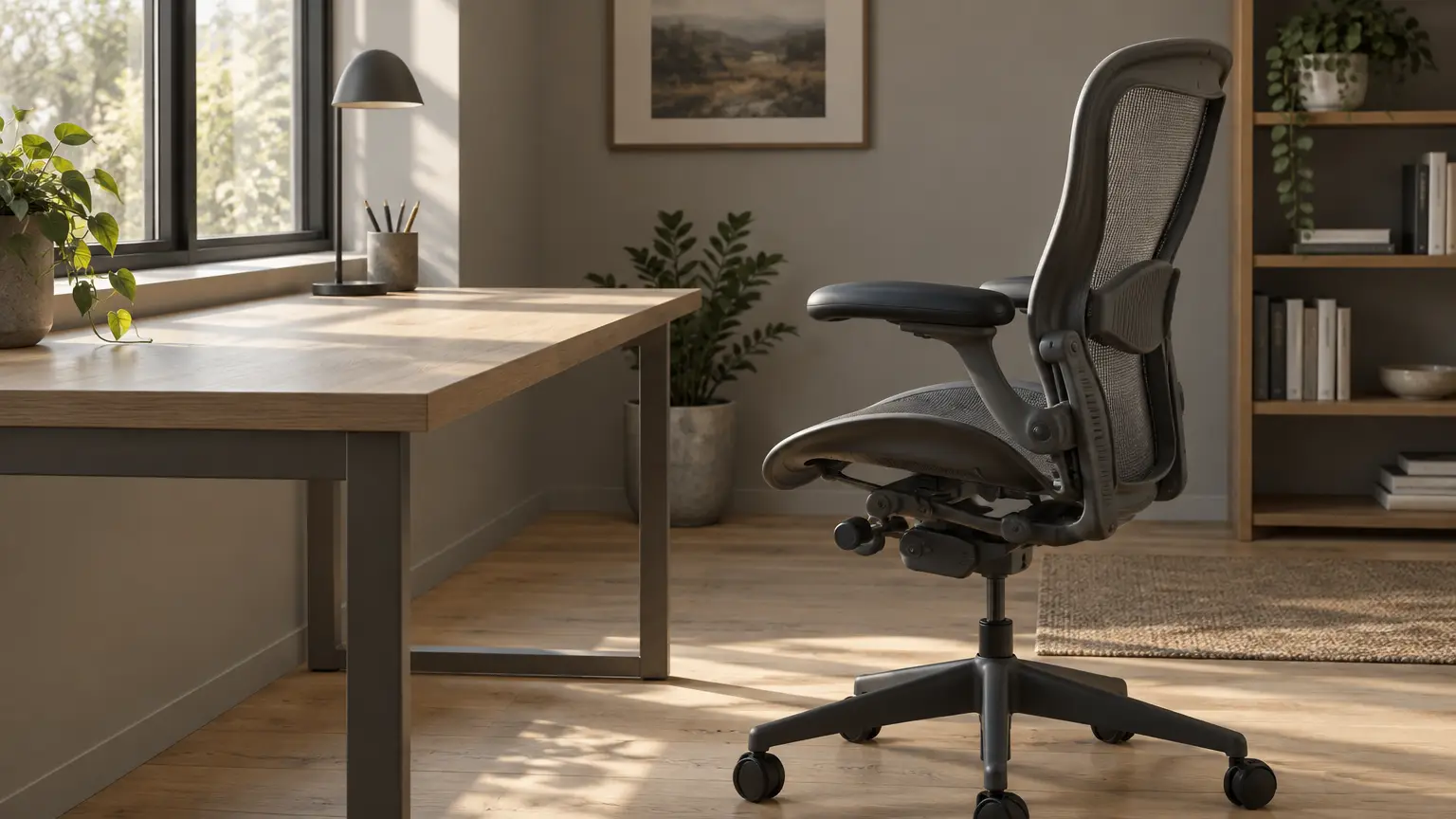
How to Choose an Office Chair with Lumbar Support: 5 Checks for All-Day Comfort
Lower back pain while at a desk tends to come on toward the end of the afternoon, when you’re not thinking about it. The chair is a good place to start. Most office chairs advertise lumbar support nowadays, but this could mean everything from an adjustable backrest tailored to a single spine to a fixed foam pad that’s the same for everyone.
These checks will help you when shopping for an office chair with lumbar support.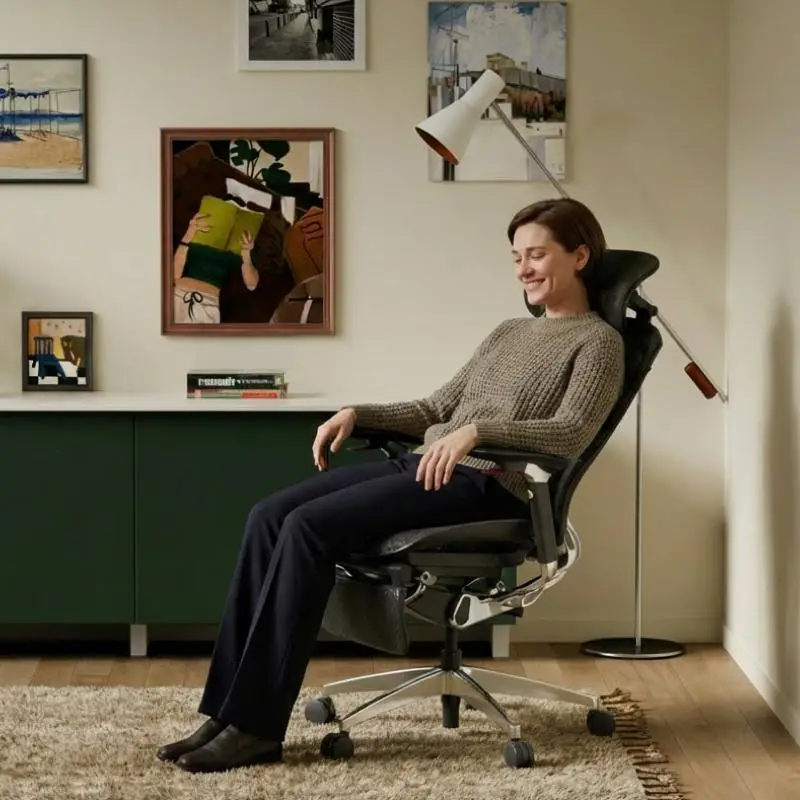
1. The Lumbar Support Should Fit Your Back
Your lower back curves at a certain height depending on your full height, how long your torso is, and how you’re sitting. A fixed foam pad is designed for an average person. For many people, that means it’s a little higher or lower than needed, and you feel it as a ridge across the wrong part of your back.
There are two good options to avoid that: some chairs let you adjust the height of the lumbar support (and sometimes how far in it goes) until it’s in the right place, while others use adaptive support, with a flexible section that follows the movement and shape of your back to take pressure off. Either should be fine, but beware of the pad that only exists to allow the listing to use the phrase “lumbar support.”
To check the fit, sit back with your feet on the floor. The lumbar support should fit the curve in the small of your back, up around the area of your belt. If it feels like it’s digging into your spine, or you can get a hand in between your back and the chair, it’s not right for you.
2. Check the Seat Depth Before You Judge the Backrest
Seat depth comes second because it determines whether the lumbar support will do anything. If the seat is too deep, you end up sliding forward to stop the edge from pressing into the backs of your knees. Perching on the front edge can render the backrest pointless, forcing you to either slouch or avoid resting on it entirely.
Sit back all the way and check the gap between the front edge of the seat and the backs of your knees. A few fingers’ width is fine, but if you’re on the smaller side or it’s a shared chair, look for an adjustable-depth seat.
3. Set the Recline and the Tension
A chair that keeps you upright throughout the day is a poor choice for your back. You should be able to lean back on a call or while reading a lengthy email, with the chair going with you but not fighting you.
The tension knob determines whether you use the recline or fight it, and most people never touch it. To set it, sit back and push gently with your feet. If the chair drops back easily and almost of its own accord, tighten the tension. If you have to shove to get it moving, loosen it. You’ve found the right setting when the chair follows you as you lean back and holds you there, without you bracing.
Many chairs also offer the option to lock the backrest in a particular recline. I’d use the lock for focused typing and leave it free otherwise.
4. Check That the Seat and Backrest Move Together
Cheaper chairs often skip this one. On a basic tilt chair, only the backrest tilts back, leaving your hips sliding forward as you recline, lifting your shirt, and leaving the lumbar support somewhere near your upper back.
A synchronized mechanism means the seat moves with the backrest as it tilts, keeping your body in the same position against the support as before. FlexiSpot’s Apollo, an ergonomic chair for work from home, is a good example. Its SyncGlide mechanism moves the seat forward as the backrest tilts, and its adaptive lumbar support and armrests move with you, so your lower back is supported whether you’re sitting upright or reclining.
If you’re weighing a luxury office chair against a cheaper alternative, I’m willing to bet it comes down to the mechanisms. Many expensive chairs come with lovely upholstery and a healthy price tag but still only tilt the backrest, and by six o’clock you’ll notice the difference.
5. A Good Chair Lets You Move
There’s an old saying in ergonomics that your best posture is your next one. I love it because it takes some of the pressure off. You don’t have to find a perfect position to sit in for eight hours, and no chair would make that comfortable.
Look for a chair that allows you to lean in to type and sit back to think, and supports the in-between slouch most of us fall into. Try to get up now and then too, even if it’s just to fill your glass of water.
Making the Final Choice
In a showroom, spend more than a minute on every chair and try this:
- Sit all the way back and feel the lumbar support against your back.
- Lean back gently to see whether it stays with you.
- Check the gap behind your knees.
- Adjust the tension until reclining feels easy but controlled.
Buying online works as well, so long as the return policy gives you time. Use the chair at your own desk for a full week, since a chair that feels great on Monday can feel different by Friday.